 NestBit
Home Repair App: Diagnose Any House Problem from a Photo
A home repair app like NestBit works as an AI diagnostician: photograph the problem (a leaky faucet, a cracked wall, a sagging gutter) and the AI identifies what is wrong, what likely caused it, and how to fix it. You get a step-by-step plan with a difficulty rating, time estimate, cost breakdown, and the exact tools and materials list. Your first 2 projects are free.
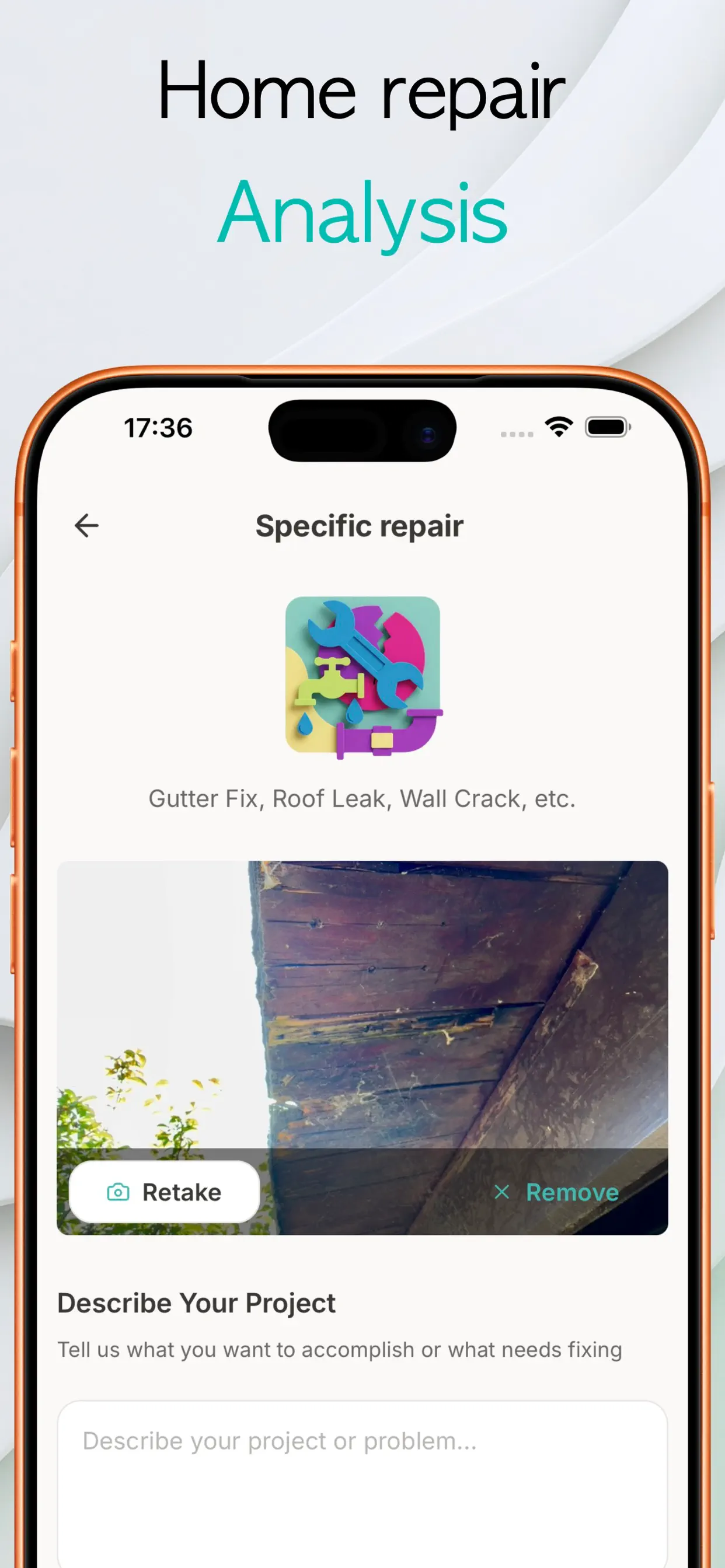
What photo-based diagnosis can and cannot do
The AI is trained on a huge corpus of home problems, so visible issues diagnose remarkably well: water stains, wall cracks, failing caulk, corroded fittings, damaged wood, misaligned doors. It identifies the failure pattern and its usual causes, then plans the standard fix.
What a photo cannot see is hidden context: what is inside the wall, whether wiring is live, or whether a crack is structural. A good repair app is explicit about those limits and tells you when a professional should look at it. NestBit's plans include difficulty ratings partly for this reason: a five-star difficulty is a signal to get quotes, not a challenge.
What is in a NestBit fix plan
- Diagnosis: what the problem is and what usually causes it.
- Steps: beginner-readable instructions from prep to cleanup.
- Difficulty, time, and effort ratings so you know what you are signing up for.
- Cost breakdown: materials and tools with estimated prices.
- Tools and materials list: exactly what to put in the cart, with notes like “use untreated wood” where safety matters.
DIY or call a pro?
A useful rule: DIY when the worst-case outcome is cosmetic, hire out when the worst case involves water, gas, structure, or mains electricity. The app's cost estimate helps here too. When the materials bill is a tenth of the typical service call, easy repairs are clear DIY wins; when they converge, a pro's guarantee starts looking cheap.
How to fix something with NestBit
- Open a Fix & Repair project and photograph the problem up close and in context.
- Add a sentence about what you want (“stop the drip”, “make the crack invisible”).
- Get your plan: diagnosis, steps, difficulty, time, costs, tools, and materials.
- Work through the steps, then save the project to build your home's maintenance history.
Try it on your own home
NestBit is free to download on iPhone. Your first 2 projects, design or repair, are free.
Download NestBit FreeFree download. No credit card required.
Frequently asked questions
What kinds of problems can it handle?
Anything visible: plumbing drips, wall and ceiling damage, doors and windows, furniture, gutters, appliances, outdoor structures, and general DIY builds.
Is it accurate enough to trust?
For common household failures the diagnosis and plan match what a handyman would tell you. For structural, gas, or electrical mains issues the app tells you to bring in a professional.
What does it cost?
The app is free with 2 free projects. Pro is $6.99/week or $45.99/year for unlimited projects.